
To receive the rewards, your Twitch account must be linked to your Disney Dreamlight Valley game account.
As a workaround, we recommend that you relink your accounts by following these steps:
- Go to https://disneydreamlightvalley.com/twitch-drops and click "Unlink Accounts";
- Click to link your account to Twitch again.
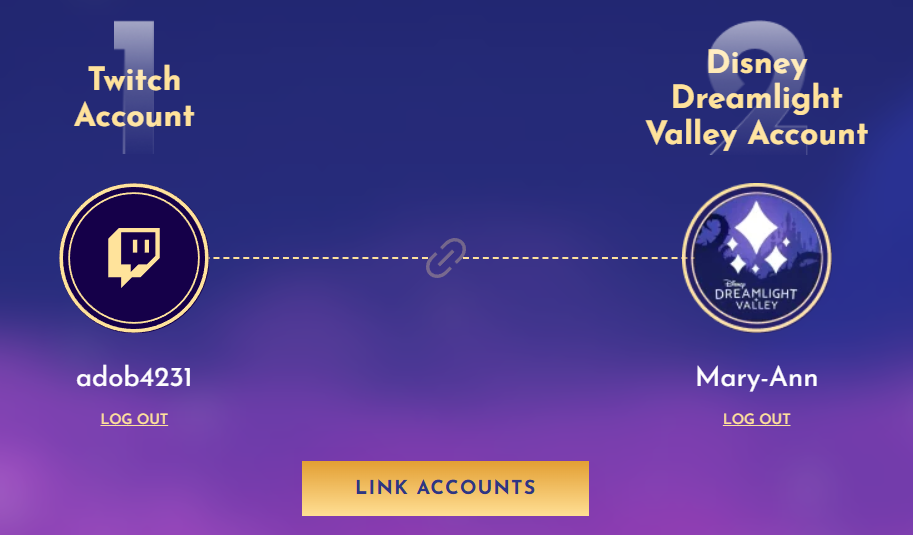
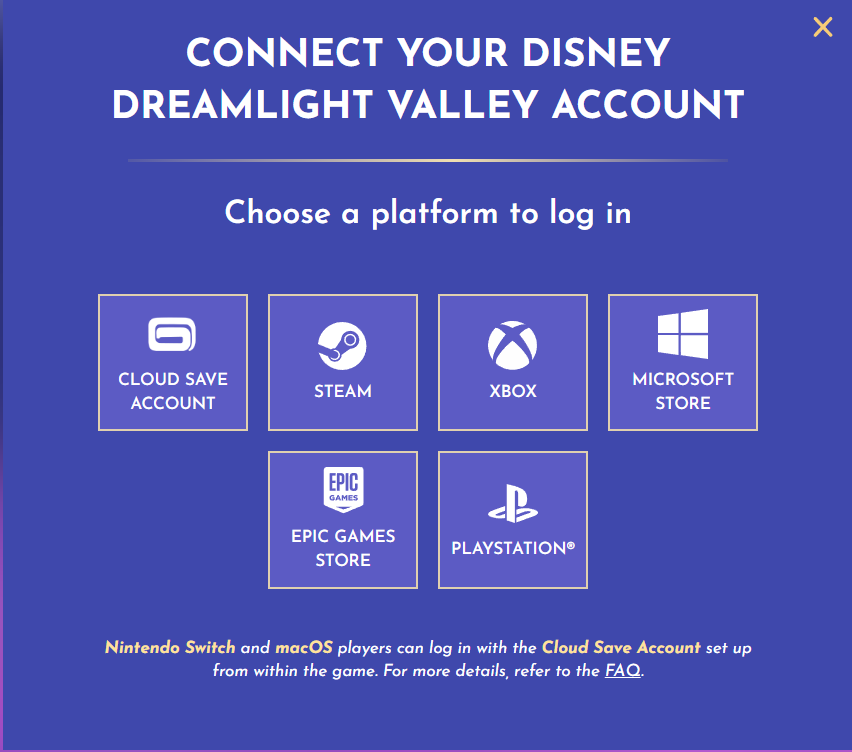
You'll then be asked to choose how you want to log into your Dreamlight Valley account — we recommend selecting Cloud Save, as this is the safest and most convenient option.
For reference, there's a screenshot showing the login options you'll see after connecting to Twitch.
Once your accounts are linked:
- Watch an eligible stream in full;
- Claim your reward from your Twitch Drops inventory;
- Open your in-game mailbox to receive your item.